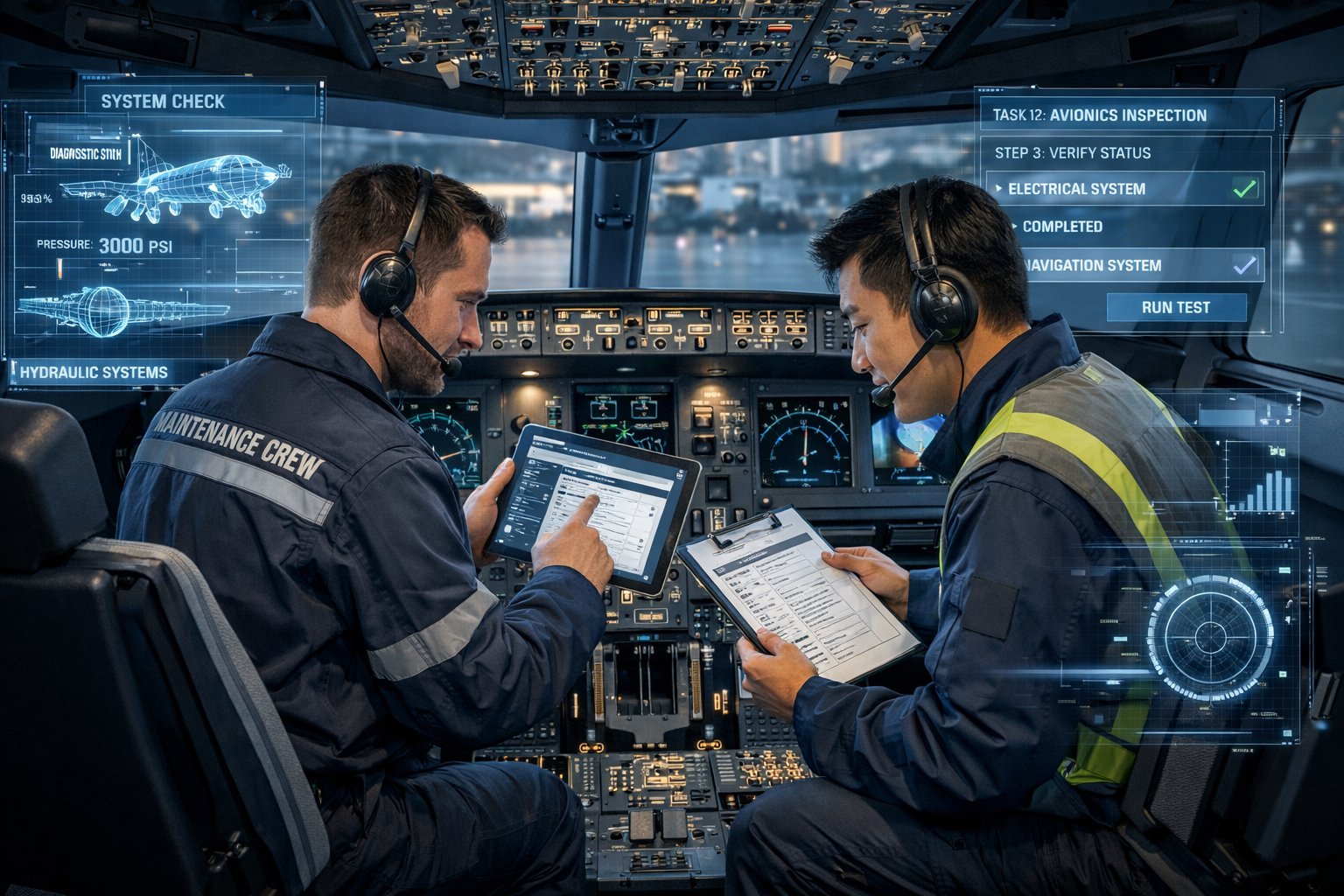
A320 VMT Cockpit
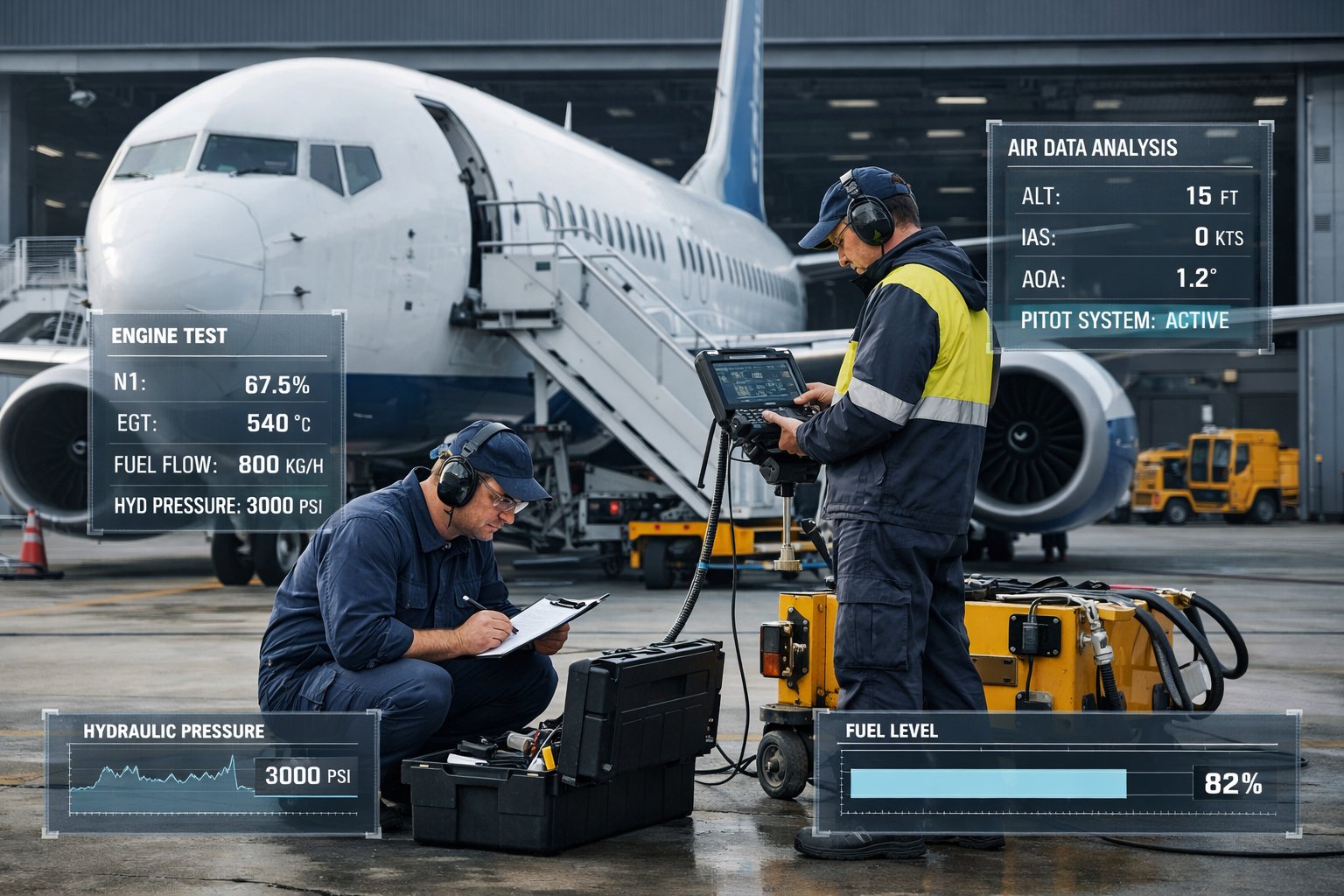
B737 Maintenance Training
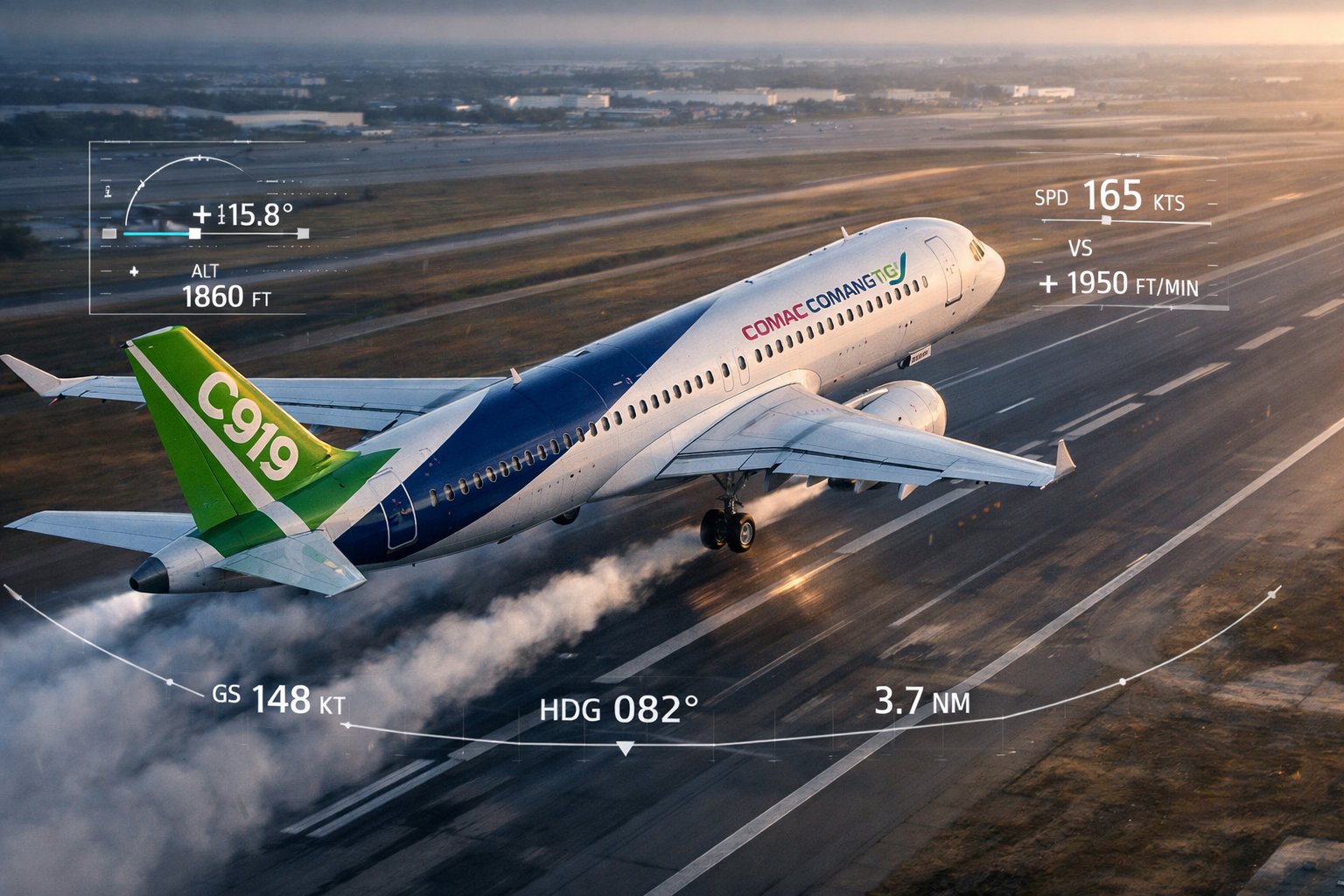
C919 VMT
Airbus A320 · Virtual Maintenance Trainer

A320 VMT

Full-system maintenance simulation for the Airbus A320 family. Covers 20+ ATA chapters, 200+ task cards, CFM56 and V2500 engine variants.

Explore A320 VMT
Boeing B737-800 · Virtual Maintenance Trainer

B737 VMT

Comprehensive maintenance training for the Boeing B737-800. FIM-based troubleshooting, circuit breaker panels, and virtual test equipment.

Explore B737 VMT
COMAC C919 · Virtual Maintenance Trainer

C919 VMT

China's first domestically developed commercial aircraft, fully simulated. LEAP-1C engine, BITE-based fault isolation, and complete 3D walkaround.

Explore C919 VMT
Latest News View All
Loading latest news...
About CNFSimulator® VMT

Aircraft Maintenance Training, Redefined

CNFSimulator® VMT is a desktop-based virtual maintenance training system developed by CnTech Co., Ltd. It provides aviation training organisations, airlines, and MRO facilities with a complete simulation environment for aircraft systems familiarisation, fault diagnosis, and task card execution — without the need for access to a real aircraft.

The platform is designed around the Airbus A320, Boeing B737-800, and COMAC C919 aircraft respectively. Each simulator covers the complete cockpit, overhead panel, electronic equipment bay, and aircraft exterior in an interactive 3D environment, with system logic and procedures aligned to the corresponding AMM, IPC, FIM, TSM, and ESPM.

Training can be conducted in a networked classroom with a dedicated instructor station, or accessed remotely for self-paced study. The system supports networked classroom delivery with the instructor managing task assignments and session flow from a central station. Compliant with FAA Part 147, EASA Part 66 B1/B2 (Levels 2–3), and CCAR Part 66 requirements.

About CnTech
Product Demonstration

See the VMT in Operation

This demonstration shows the A320 VMT in a live classroom session, covering system familiarisation, fault injection, and task card execution.

CNFSimulator® A320 VMT — Classroom Demonstration More on YouTube
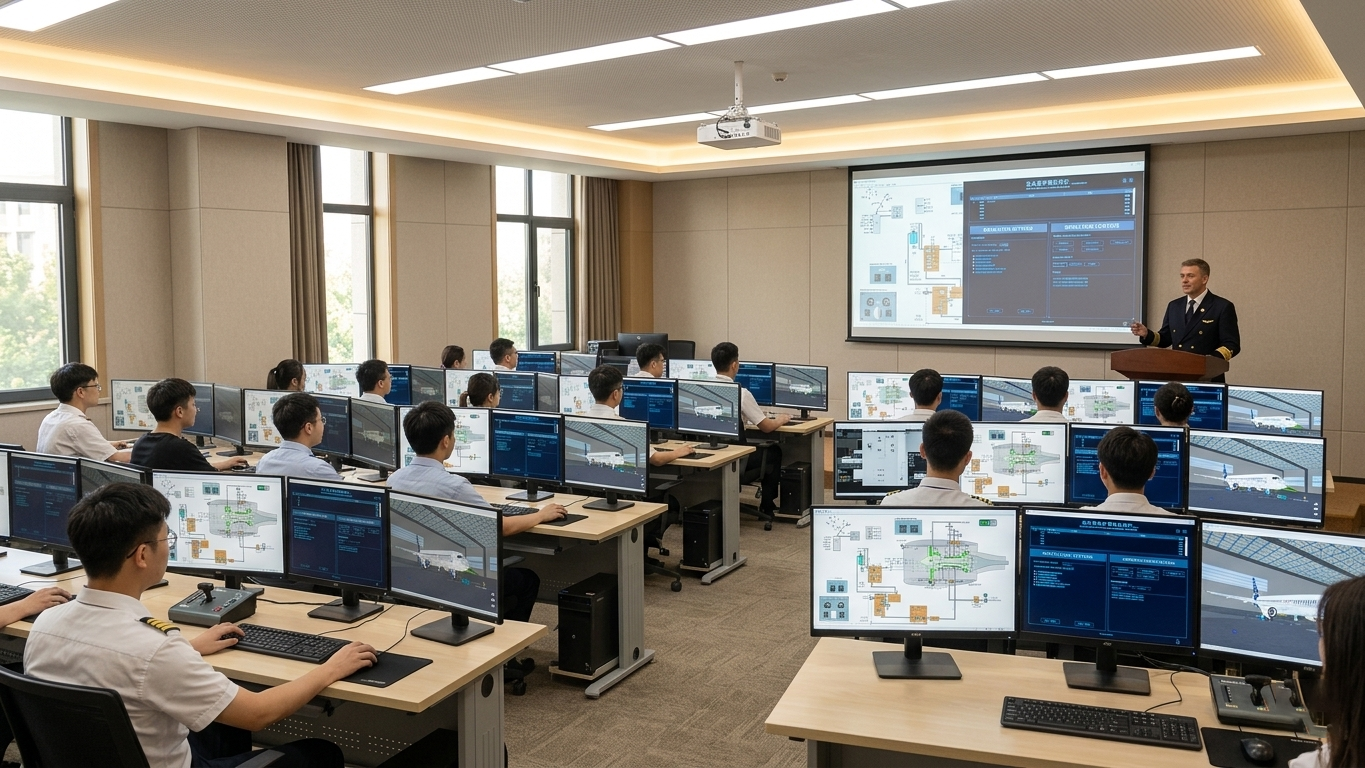
CNFSimulator VMT Classroom Setup
Hardware & Deployment

Designed for the Training Classroom

The VMT workstation is a standard Windows PC or laptop setup, typically configured with two or three monitors: one for the cockpit simulation, one for the dynamic schematic, and an optional third for the maintenance manual viewer. No specialist hardware is required, which significantly reduces procurement and installation costs compared to physical part-task trainers.

In a networked classroom, a single instructor station connects to multiple student stations simultaneously. The instructor can monitor each student's progress, inject faults, and broadcast demonstrations — all from the same interface.

Platform
Unity3D · Windows
Configuration
1 Instructor + Multiple Students
Continuous Uptime
≥ 24 hours
Network Capacity
> 1,000 concurrent sessions
Training Workflow

How a Training Session Works

A typical VMT training session follows a structured four-step workflow, reflecting standard maintenance training practice.

01
Task Assignment

The instructor selects an ATA chapter, task card, and engine type from the instructor station. Faults can optionally be injected before the session begins. The task is pushed to all connected student stations simultaneously.

02
Preparation & Familiarisation

Students review the relevant AMM or FIM procedure within the integrated manual viewer. The dynamic schematic displays the system logic for the assigned ATA chapter, allowing students to understand the circuit before touching the cockpit.

03
Task Execution

Students perform the maintenance task in the 3D virtual environment — operating cockpit controls, activating or deactivating systems, measuring voltages and resistances with a virtual multimeter, and replacing components where required. Each step is logged automatically.

04
Review & Debrief

Each student's operation steps are automatically logged throughout the session. The instructor can review individual performance in real time, identify errors in sequence or procedure, and conduct a debrief with the full class.

Core Features

What the Platform Includes

Every CNFSimulator® VMT product ships with the same core software suite: instructor station, student station, 3D virtual aircraft, virtual cockpit, dynamic schematic software, maintenance manual viewer, and integrated LMS. There are no optional modules to purchase separately — the complete training environment is included as standard.

Software Components

  • Instructor Station — task assignment, fault injection, student monitoring
  • Student Station — task execution, quick-access panel controls
  • 3D Virtual Aircraft — full exterior and interior walkaround
  • Virtual Cockpit — all panels, switches, indicators, and displays
  • Dynamic Schematic Software — 3-layer system diagrams, live sync
  • Maintenance Manual Viewer — AMM, IPC, FIM, TSM, ESPM
  • Virtual Test Equipment — multimeter, pressure gauges, test sets
01
Type-Specific Design

Each VMT is designed around its specific aircraft type. System logic, component locations, and wiring diagrams are aligned to the A320, B737-800, and C919 respectively.

02
Full ATA Coverage

20+ ATA chapters per aircraft type, covering all four maintenance task categories: operation, adjustment/test, removal/installation, and fault isolation.

03
Instructor Fault Injection

Instructors can inject faults into any system at any time during a session. Students must diagnose and resolve the fault using the correct FIM or AMM procedure.

04
3-Layer Schematics

Dynamic system logic diagrams, structural composition diagrams, and wiring measurement diagrams — all live-synchronised with the cockpit and virtual aircraft state.

05
Virtual Component R&I

Students can remove and replace components following AMM task card steps aligned to the aircraft type. The system records each action, including tool selection, part retrieval, and reinstallation sequence.

06
Embedded Manuals

AMM, IPC, FIM, TSM, ASM, AWM, AWL, and ESPM are searchable within the simulator. Students can reference the correct procedure without leaving the training environment.

07
Engine & Flight Simulation

Full engine ground trial run procedures are supported, including engine start, power checks, and shutdown. Flight simulation mode displays aerodynamic surface responses for relevant ATA systems.

08
Operation Logging

Every student action during a session is automatically recorded, including step sequence, component interactions, and tool usage. Instructors can replay and review individual sessions for debrief purposes.

Applications

Who Uses CNFSimulator® VMT

The platform is in active use at airlines, maintenance training organisations, MRO facilities, and aviation engineering universities across China and internationally.

Airlines & MRO

For airlines and MRO operators, the VMT reduces dependence on aircraft access for training. Type-specific maintenance training can be conducted in the classroom during aircraft downtime, rather than requiring dedicated aircraft time on the line or in the hangar.

  • Initial type training for new hires
  • Recurrent training without aircraft access
  • Fault isolation skill development
  • Pre-task preparation and rehearsal

Aviation Academies

Aviation engineering programmes use the VMT as a lab resource, giving students access to full-aircraft systems training that would otherwise require either a retired aircraft or a part-task trainer costing many times more. The integrated LMS supports structured curriculum delivery and automated assessment.

  • Undergraduate and postgraduate programmes
  • CCAR Part 66 Category B1 and B2 training
  • EASA Part 66 Level 2 and 3 training
  • Instructor-led session management and debrief

Training Centres

Approved maintenance training organisations use the VMT to scale training capacity without proportional increases in infrastructure. A single networked classroom can support more than 30 concurrent students per session, with the system supporting over 1,000 simultaneous network sessions for multi-site deployment.

  • Scalable classroom deployment
  • Multi-site and remote access
  • Type rating preparation and sign-off support
  • 7×24 after-sales technical support
Regulatory Compliance & Data Standards
FAA Part 147
Maintenance Training
EASA Part 147
Maintenance Training
CCAR Part 66
Maintenance Licence
ATA iSpec 2200
Aviation Data Standard
Airbus AMM
A320 Aircraft Data
Boeing AMM
B737 Aircraft Data
Product Range

Three Aircraft Types, One Platform

Each VMT is developed specifically for its aircraft type. All three products share the same software architecture and instructor interface, allowing training organisations to manage mixed-fleet training from a single system.

CNFSimulator® · Model 01
A320
Airbus A320 Virtual Maintenance Trainer

The A320 VMT covers the full Airbus A320 aircraft system, including the CFM56-5B and V2500-A5 engine variants. All major ATA systems are simulated, with a dedicated dynamic schematic software that mirrors cockpit state in real time. Students can perform full walkarounds, access internal bays, replace components, and execute task cards aligned to A320 AMM procedures.

CFM56 / V2500 200+ Task Cards 20+ ATA Systems FAA / EASA / CCAR
View A320 VMT
CNFSimulator® · Model 02
B737
Boeing B737-800 Virtual Maintenance Trainer

Built on the Boeing 737-800 Next Generation platform with CFM56-7B engine simulation. The B737 VMT includes FIM-based troubleshooting workflows, circuit breaker panel interaction, and a virtual test equipment library. Instructors can inject faults directly into any ATA system and monitor student diagnostic steps from the instructor station.

CFM56-7B FIM Troubleshooting 20+ ATA Systems FAA / EASA / CCAR
View B737 VMT
CNFSimulator® · Model 03
C919
COMAC C919 Virtual Maintenance Trainer

The C919 VMT is the first commercially available virtual maintenance trainer for China's domestically manufactured narrowbody aircraft. It simulates the LEAP-1C engine, full cockpit avionics suite, and aircraft systems across 20+ ATA chapters. The BITE-based fault isolation module follows C919 diagnostic procedures, making it directly applicable to line maintenance and base maintenance training.

LEAP-1C Engine BITE Fault Isolation 20+ ATA Systems CCAR Compliant
View C919 VMT
CNFSimulator®
Sign in to your account

Sign in with your Google account to access CNFSimulator® resources and updates.

Continue with Google
By signing in you agree to our terms of use.
Only Google accounts are supported.